

Step 1 of 10
Frame beams
Take the two long beams and place them side by side. These are the two long sides of the base.
Tip: Check both beams face the same way, with their holes lined up.
Your turn · sense, decide, act
An example program for this build: closer than 20 cm, the fan runs. Slide the person closer.
The fan runs once the build is finished: scroll back up to build it.
Tap any part
Pick a part, here or on the model, to light it up and see what it does.
The idea
Every smart device does three things. The fan build does them in the open, so students can see each one.
Sense
The ultrasonic sensor sends a short sound pulse and times the echo. That time becomes a distance.
Decide
One yes-or-no question: is the person closer than 20 cm?
Act
The motor runs the fan at full speed (255) while someone is near, and stops when they leave.
From blocks to real code
The example program from the demo above, first as blocks, then as the code the blocks stand for.
long distance = 0;
UltrasonicSensor sensor(PORT_A);
DCMotor motor(PORT_B);

void setup() {
  Serial.begin(115200);
}

void loop() {
  distance = sensor.distanceCm();
  Serial.println(distance);
  if (distance < 20) {
    motor.run(255);
  } else {
    motor.run(0);
  }
}
LMS + Software + Kit
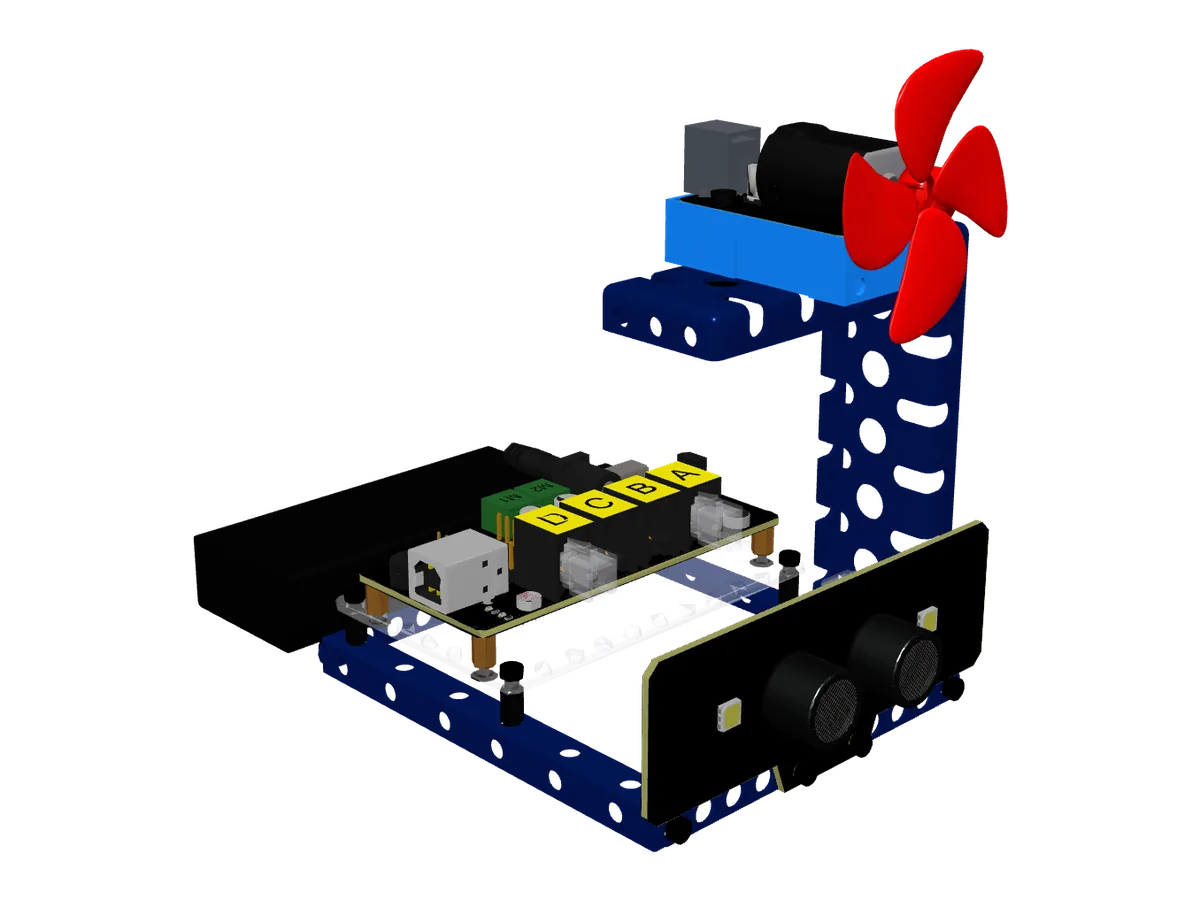
This 3D model shows the fan build from the course kit: the frame, control board, ultrasonic sensor, DC motor with fan, and battery.
Ten assembly steps take students from loose beams to a working fan.
Modules click into labelled ports on the control board: no loose wires.
An ultrasonic distance sensor and a DC motor with a fan, run by one control board.
An 18650 battery in its holder powers the build.
Mobile App Home Automation Course
Students build a connected home control system where devices such as lights and fans can be operated through a mobile interface. They experience how remote commands travel from an application to physical devices.
Smart Home Engineer course
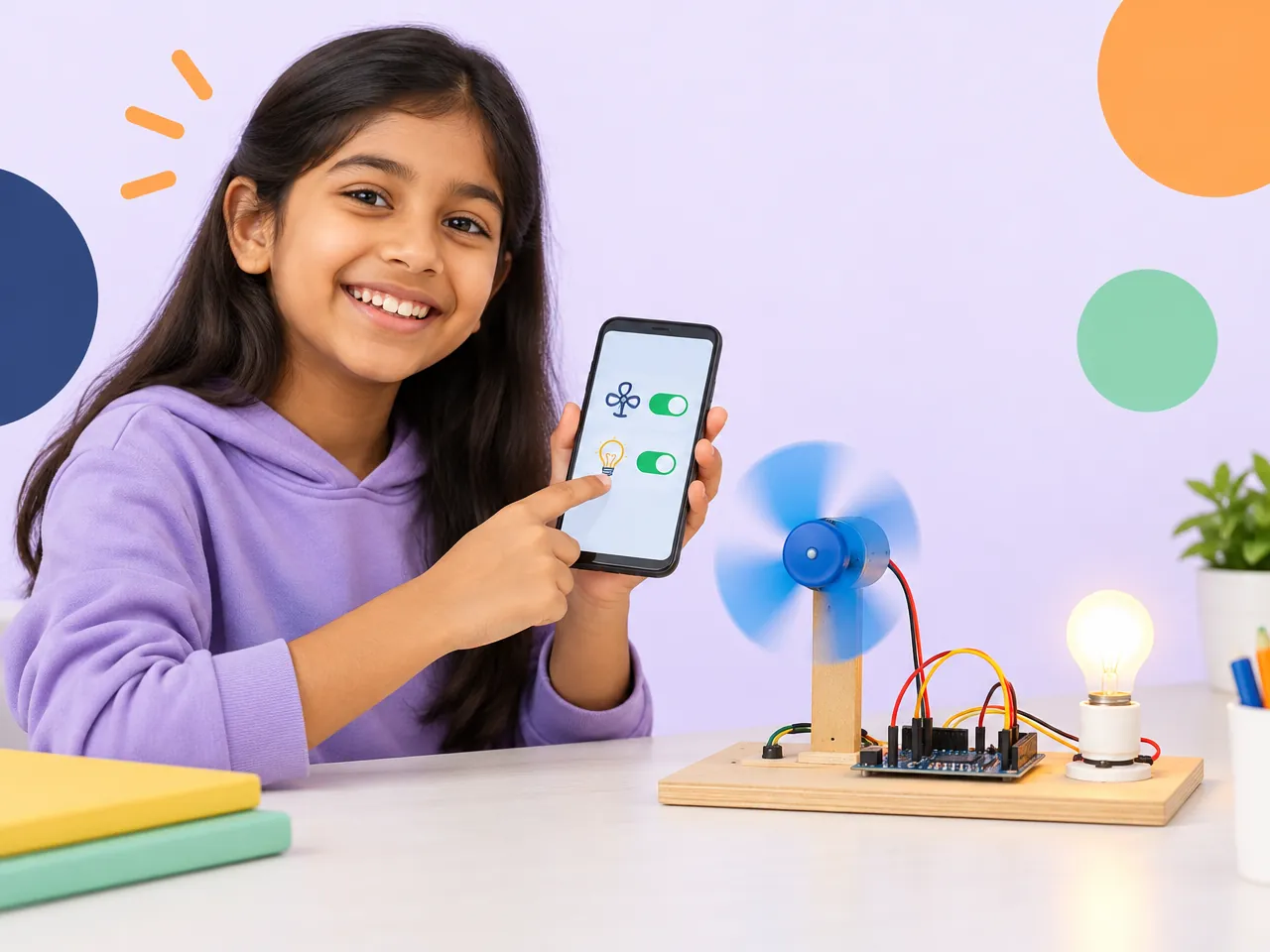
Control everyday home devices right from an app.
See the course
Build the home of the future, today.
See the course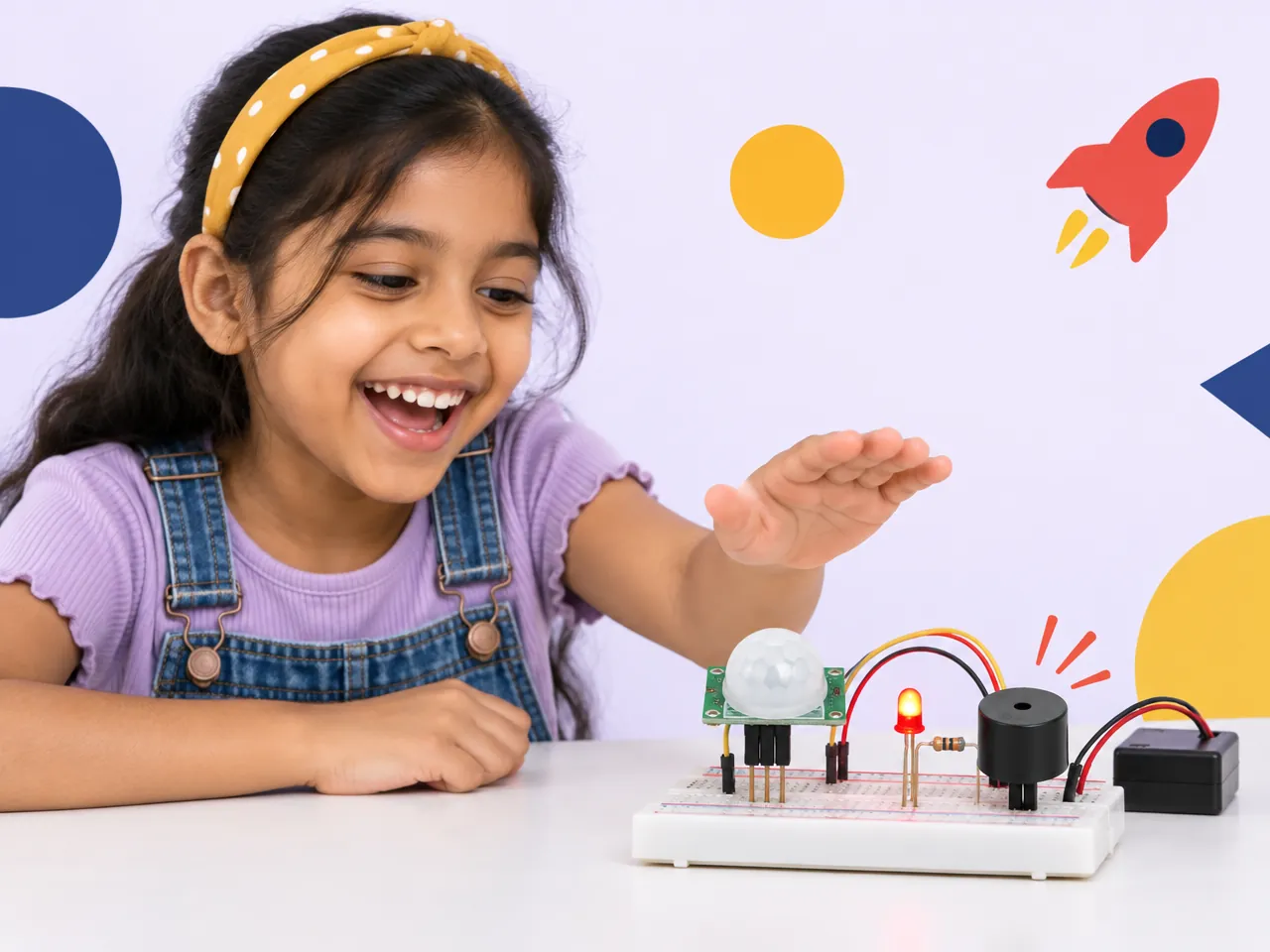
Detect movement. Trigger the warning.
See the courseThis kit comes with the Mobile App Home Automation Course. Book a free trial class to meet the course, or read the full course details first.